
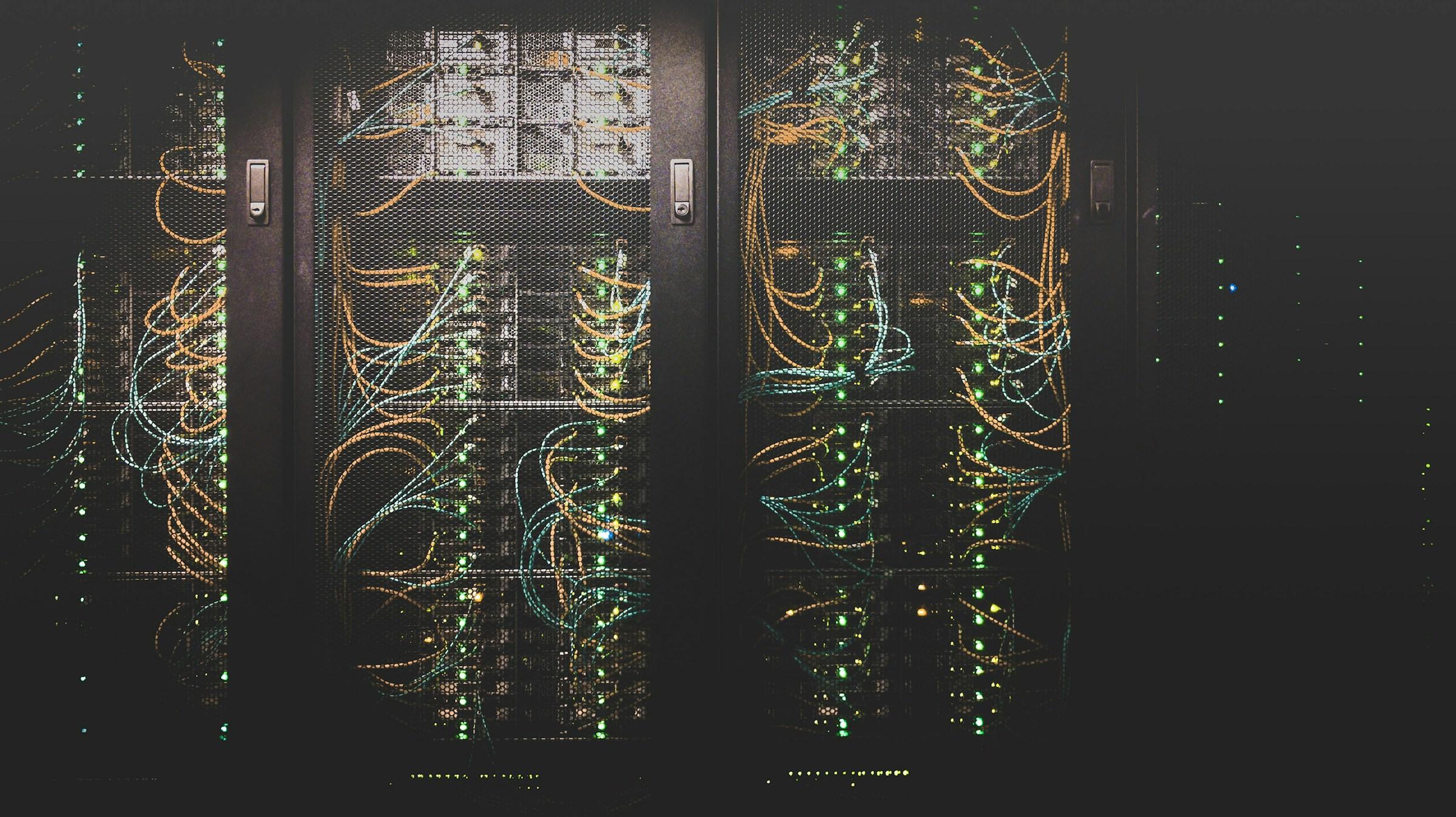
IT assessmentNetwork · Identity · Backups
An MSP look at your network, logins, and backups
Free IT health check and network assessment for Long Island small businesses
A first look at the live stack — not a form you fill in and never see again. We use passive scan tools, then sit with you on Microsoft 365 security settings while you stay signed in. You leave with overall posture, brief recommendations, and whether any glaring hole needs a deep dive. Call (631) 557-0440.
Technology partners







What we review on this assessment
An IT and cybersecurity assessment of the live stack — firewalls, switches, endpoints, identity, MFA, and backups.
Firewalls and the internet edge
What faces the internet, including remote login and VPN paths.
Switches and the office network
How open the office network is — and whether everything sits on one flat path.
Computers (endpoints)
Who is watching the desks, and whether everyday PCs have basic protection on.
Logins and admin accounts
Everyday accounts versus admin accounts — who can change the whole environment.
MFA — a second step at sign-in
Whether remote and privileged sign-in actually asks for more than a password.
Backups — and a restore test
Whether backups exist, and whether anyone has proven a restore — not only a green icon.
What you leave with
Every free assessment ends the same way: posture, brief recommendations, and whether a hole needs a deeper look.
Overall posture
A plain-language read of how things look from this first pass — not a score and not a certification.
Brief recommendations
A short list of what to fix or tighten next. Not a 40-page report.
Glaring holes
Whether anything is so open it needs a deep-dive look. If nothing glaring shows, we say that too.
A questionnaire is not the same as looking at the gear
Flip a row for the difference between paper answers and a live review.
Many firms already have tools. The usual miss is that nobody can prove MFA is on, the last backup restore is a rumor, or logging stops at a vendor portal nobody watches.
A form that never walks the rack
Passive scan, then a shared screen
The free assessment is a first look. A deeper review of named devices and portals needs a small paid agreement first.
Questions about a free IT assessment
Can an MSP look at our setup without taking over? What do we get — a full audit or a first look? Straight answers before you book.
Yes. The first-level assessment is free. Manage IT NY reviews overall posture, makes brief recommendations, and flags glaring holes. Call (631) 557-0440 or book a call.
No. For a first-level (free) assessment we do our best to find computers, networks, and logins with passive scan tools. We do not take over the network.
We ask you to sign in on your own PC while we are on the call. We look at security settings together. You stay in control of the screen.
A read on overall posture, brief recommendations, and a clear yes or no on whether any glaring holes need a deep-dive look. Not a full audit and not a certification.
Not for the free assessment. There is no contract yet, so we do not take password handoff.
That is a separate, small agreement. Then you give us passwords only for named devices and portals so we can go further. Use this only when the first look found a hole that needs it — or when you ask for it.
No. The free assessment stands on its own. If you want us to fix what we found, that is a separate, named conversation.
Most firms need one focused call plus a short write-up. Multi-site shops take longer. We tell you which before we start.