Managed servicesScan & patch
Find software holes — and close them before attackers do
Continuous scanning plus staged patching across laptops, servers, and common third-party apps — so known CVEs are less likely to sit open while you wait for the next maintenance window
Most breaches still exploit a missing patch or a misconfiguration someone already knew about. Windows Update and built-in antivirus help — but they rarely cover every browser, PDF reader, and line-of-business app on every laptop. Manage IT NY scans what you actually run, ranks what matters now, and deploys fixes in rings with rollback plans — alongside lockdown and detection, not instead of them.
Technology partners







Patching vs vulnerability scanning vs penetration testing — and why updates alone are not enough
Vulnerability scanning is automated and continuous: it compares what is installed on your devices and internet-facing systems against known flaw lists (CVEs) and common misconfigurations. Penetration testing is a human-led simulated attack — valuable, but usually periodic. Patch management is the operational work of testing and deploying fixes without breaking payroll, tax prep, or plant scheduling. They answer different questions; scanning finds gaps, pen tests stress-test defenses, patching closes the holes scanning flagged.
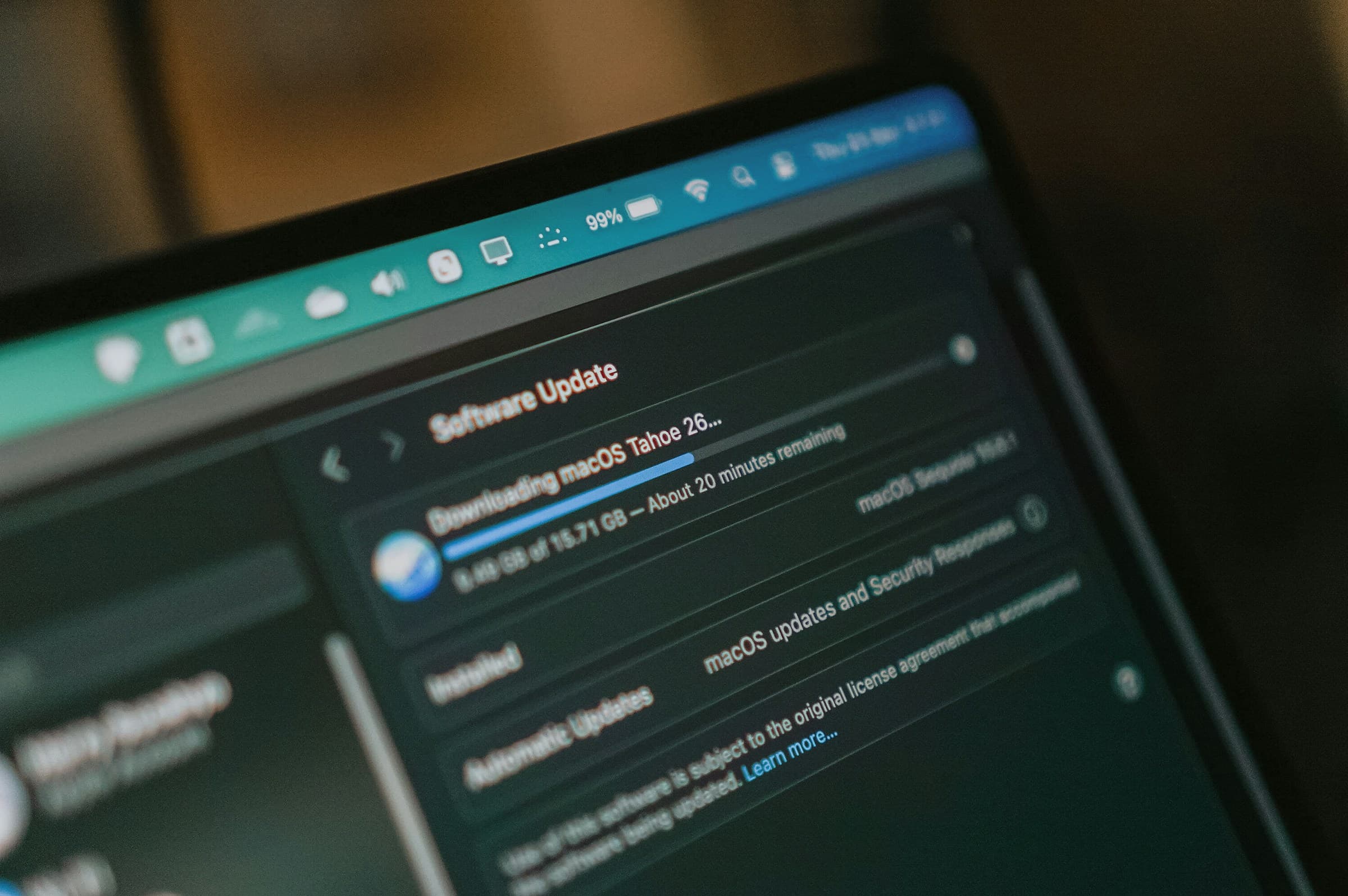
Built-in Windows Update or macOS updates cover the operating system — not every Chrome build, Adobe reader, or Zoom client staff install themselves. Antivirus looks for malicious behavior; it does not install missing security fixes. A firm that only reboots for Patch Tuesday still has blind spots on third-party apps and devices that miss maintenance windows. Manage IT NY treats scanning, prioritization, and staged deployment as one program partners can explain without CVE jargon.
Why waiting for Patch Tuesday leaves gaps
Four failure modes when patching is manual, quarterly, or OS-only
Threat actors scan for known CVEs within hours of public disclosure. If your program only updates Windows on a calendar — or relies on staff to click 'Remind me later' — the gap between discovery and fix is where ransomware and compliance findings usually land.
The weaponization window
When a CVE is published, automated scanners start probing the internet for unpatched systems — often the same day. Monthly maintenance windows can leave critical fixes open for weeks while attackers work down a public checklist.
Third-party application blind spots
OS updates patch Windows or macOS — not the browsers, PDF tools, conferencing apps, and runtimes staff install for daily work. Many endpoint flaws live in those packages, especially on laptops that rarely reboot.
Alert fatigue without prioritization
Raw scanner output can list thousands of "critical" items with no context on whether the flaw is reachable from the internet, actively exploited, or already mitigated by network controls.
Compliance remediation SLAs
CMMC, FTC Safeguards, and IRS written information security plans expect evidence that critical flaws were tested, deployed, and verified — often within 14–30 days — not a verbal note that IT handled it.
What scanning and patch management cover
Four capabilities that work together — not four disconnected toggles
Manage IT NY maps vulnerability work from inventory to verified closure — so partners and ops leaders know which control stops which failure mode.
Continuous discovery & scanning
Stops this failure mode: a forgotten server or cloud share nobody knew was internet-facing
Agent-based endpoint inventory plus external surface monitoring finds what is installed and exposed — before an attacker maps it for you.
Exploit-aware prioritization
Stops this failure mode: teams chasing low-risk findings while a weaponized CVE stays open on a partner laptop
CVSS scores, active-exploit feeds, and asset criticality rank the worklist — so tax prep machines and matter-file servers lead the queue.
Ring-based patch deployment
Stops this failure mode: a bad update breaking payroll because it hit everyone at once
IT and pilot rings test updates first. Production rollout uses agreed reboot windows — with halt and rollback if stability checks fail.
Verification & audit evidence
Stops this failure mode: 'we patched it' with nothing an assessor or carrier can review
Post-patch rescans confirm closure. Immutable logs capture who deployed what, when, and on which asset — exportable for CMMC, IRS WISP, or insurance reviews.
Patch cadence
How often fixes ship
Critical and actively exploited CVEs move on an accelerated schedule — often days, not months. Routine updates batch into agreed maintenance windows so staff are not surprised mid-deposition or month-end close.
Reboot policy
When restarts happen
Many patches need a reboot to take effect. Workstations restart off-hours; servers use pre-approved maintenance slots — with notice before anything that could interrupt billing, ERP, or plant-adjacent systems.
Rollback
When a patch misbehaves
Ring deployment catches most conflicts early. If an update breaks a line-of-business app, deployment halts and affected systems restore to the last known-good state while the conflict is documented.
Coverage
What must be in scope
A patch program with gaps is a program with blind spots. Laptops, servers, remote staff machines, and common third-party apps should report in — not only the office file server.
What good looks like
A short buyer checklist before you trust the program — not a vendor feature list, a readiness scan.
Inventory complete?
You can name every laptop, server, and cloud workload in scope — including remote and plant-adjacent Windows endpoints — not only headquarters.
Critical patches in SLA?
Actively exploited and critical CVEs have a documented target window — commonly 14–30 days for regulated firms — with exceptions tracked, not ignored.
Tested in rings?
Updates hit IT and a pilot group before firm-wide rollout. Reboot windows are agreed with leadership, not left to individual 'Remind me later' clicks.
Rollback tested?
You can describe what happens when a patch breaks tax software or an ERP client — halt, restore, document — before it happens on month-end.
Evidence for audits?
Completion reports and post-patch verification scans export for CMMC assessors, IRS WISP reviews, or cyber insurance — not reconstructed from memory.
How scanning and patching work as one program
Finding a CVE is only half the job — the other half is deploying the fix without breaking how your firm actually works. Select each stage to see what it covers, why it matters, and how rollout usually proceeds.
Stage 1
Continuous discovery & scanning
External monitoring watches internet-facing IPs and ports. Agents on endpoints and servers inventory installed software and compare it to CVE databases. The goal is a living asset list — not a one-time spreadsheet that goes stale when someone buys a new laptop.
Start with a vulnerability assessmentStage 2
Prioritize what to fix first
Not every finding needs the same urgency. Exploit intelligence, CVSS severity, and whether the asset holds client matter files or tax PII decide the order. Noise and unreachable lab machines drop down the list so your team focuses on what attackers could actually reach.
Talk prioritization with usStage 3
Deploy fixes in rings
Updates test in IT and pilot rings before wider rollout. OS patches plus common third-party apps deploy on agreed schedules — with rollback if stability checks fail and rescans afterward to confirm the CVE closed.
Review deployment readinessFrom CVE disclosure to verified closure
A teaching sequence you can explain to leadership — discovery, prioritization, staged deployment, and proof the fix landed. Timing is an example; real clocks vary by fleet size, reboot policy, and how many exceptions exist today.
Lightweight agents and external scanners compare operating systems, applications, and network exposure against CVE databases — surfacing missing patches and misconfigurations as they appear, not only during an annual assessment.
How patching maps to your industry
Privileged client files, tax PII, CUI, and plant-adjacent systems each raise different questions about scan scope and patch speed. Here is how Manage IT NY maps vulnerability management to the obligations each vertical actually faces — in language partners and ops leaders can follow.
Law firms & client confidentiality
ABA competence and confidentiality expectations include safeguarding client data on the systems counsel use daily. Unpatched PDF readers, browsers, or remote-access tools can allow remote code execution that reaches matter files. Documented scanning and timely patching support the reasonable-efforts standard partners can explain to clients and malpractice carriers.
Law firm cybersecurityAccounting firms & taxpayer data
IRS Publication 4557 and written information security plans expect routine vulnerability scanning and timely updates on devices that run tax software, host client portals, and store financial PII. Patch completion reports help demonstrate safeguards during reviews — not only that Windows Update ran on one machine.
Accounting firm cybersecurityDefense industrial base (CMMC & NIST)
CMMC and NIST SP 800-171 expect organizations to scan for vulnerabilities, remediate based on risk, and maintain evidence of patch status on systems handling CUI. Continuous scanning plus dated deployment logs support SI and RA control reviews assessors conduct during C3PAO audits.
CMMC enclave pathManufacturing & plant-adjacent systems
Office-side ransomware should not reach engineering workstations or plant-adjacent tablets that feed scheduling and ERP. Patching on those endpoints uses agreed maintenance windows and change control — closing CVEs on Windows systems that touch production data without intrusive scans that disrupt legacy equipment on the plant floor.
Manufacturing cybersecurityFrequently asked questions
Straight answers on scanning vs pen tests vs patching, critical vs important CVEs, reboot windows, ring deployment, rollbacks, and which packages are in scope.
Scanning is automated and continuous — it finds known flaws and missing patches across your fleet. Penetration testing is a periodic, human-led simulated attack that tries to chain weaknesses into real impact. Patch management is the operational work of testing and deploying vendor fixes. You typically need all three at different cadences: scanning daily, pen tests annually or after major changes, patching on a schedule tied to risk.
CVSS scores rank technical severity — how bad the flaw could be if exploited. "Critical" usually means remote exploitation with high impact; "important" may require local access or user interaction. Prioritization also weighs active exploit intelligence and asset context: a critical CVE on an isolated lab PC may wait behind an important one on a partner laptop that holds client matter files.
No — by default. Manage IT NY configures deployment schedules around how your firm actually works. Workstation updates run off-hours; server reboots use pre-approved maintenance windows with notice before anything that could interrupt billing, tax prep, or plant scheduling.
Ring deployment rolls patches out in waves: IT first, then a pilot group, then the wider organization. Each ring validates stability before the next expands. That catches conflicts with line-of-business apps early — so a bad update does not break payroll or tax software firm-wide on the same night.
Ring testing catches most conflicts before wide rollout. If a patch causes instability, deployment halts for that ring, affected systems roll back to the last known-good state, and the conflict is documented before retry. Pre-deployment staging on non-critical endpoints adds another safety layer.
Operating systems — Windows, macOS, and Linux where in scope — plus hundreds of common third-party applications: web browsers, document tools, conferencing apps, and runtime environments staff install for daily work. If a package is business-critical but not in the default catalog, we add it during onboarding — not after an audit finds it missing.